



Improve kitchen workflows and serve guests on time with the right software system
- Organize orders on the KDS
- Manage recipes and menus
- Connect front of house and kitchen
Organize orders on the KDS
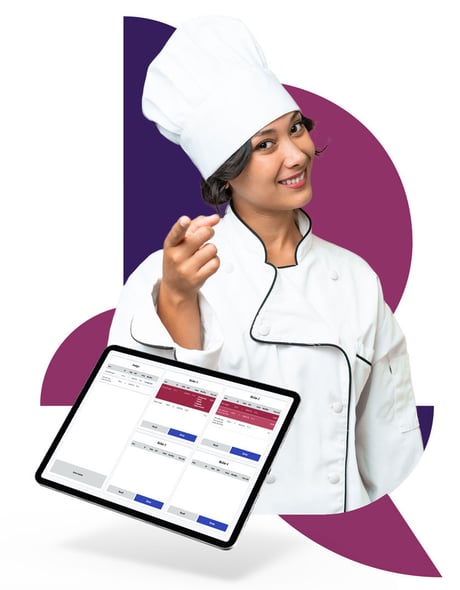
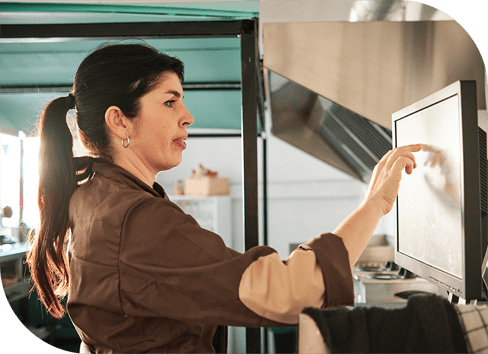
With a KDS system, your kitchen staff can focus more on preparing food and less on managing tickets. This increased efficiency translates into improved customer service, as orders are processed quickly, accurately, and with consistent quality.
- Replace paper tickets with clearer digital workflows. Send orders from the POS to the relevant kitchen stations, so staff can see what needs to be prepared without relying on paper tickets that can be misplaced or misread. Keep orders organized, reduce avoidable mistakes, and help service move faster during busy periods.
- Keep preparation moving in the right order. Organize dishes by course and priority so kitchen teams know what needs attention first and can coordinate preparation more effectively. Make special requests and important order details easier to spot, helping staff avoid delays and get complete orders to guests at the right time.
- Adapt the KDS to the way your kitchen works. Move items through preparation stations, recall orders when needed, and mark work as complete as it progresses. WebKDS also supports custom operations that can connect with other kitchen systems, including kitchen robotics, giving you more flexibility to shape workflows around your operation.
- Give every order the right context from the start. Clearly distinguish between dine-in, drive-thru, takeaway, and delivery orders, with timing information where relevant. Kitchen teams can see how each order needs to be prepared and served, helping them prioritize work correctly and reduce mistakes when preparing, packing, or handing over orders.
- Configure kitchen screens around each station’s job. Adjust the information, layout, and styling shown on displays, and route items to the stations responsible for preparing them. Staff get a clearer view of the work relevant to their station, making it easier to stay organized and coordinate orders across the kitchen.
- Prefer kitchen printers? Keep the workflow that works for you. LS Central can also route kitchen orders to printers instead of digital displays. Set up different printer stations for different preparation areas, so each team receives the orders relevant to them while keeping kitchen production organized without moving to screens.
Manage recipes and menus
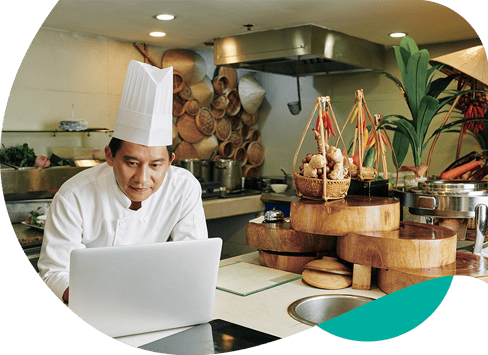
Easily update and manage your menu items, prices, and specials. Changes made in the software are instantly reflected everywhere, at the POS, KDS, kiosks and more. Eliminate the need for manual menu updates and ensure that your kitchen staff always has the latest information.
- Keep every recipe organized and easy to manage. Store ingredient lists, quantities, cooking times, and menu details in one central database, giving kitchen teams the information they need to prepare dishes consistently. Keep recipes easier to update, support more efficient kitchen workflows, and deliver the same high standard every time.
- Never let out-of-stock ingredients derail your meal plans. Get instant notifications when an ingredient runs low, so chefs can quickly decide whether to substitute it or suggest an alternative. Keep service moving, avoid last-minute disruption in the kitchen, and give guests a satisfying option even when something is unavailable.
- Take control of ingredient use and reduce waste. Track every ingredient with precision, always know exactly what your kitchen is using, and reorder just the right amount. Avoid unnecessary overstock, make better use of the ingredients you already have, and keep the stock your kitchen needs available when it matters.

Connect front of house and kitchen
By adopting a KDS system, your staff can communicate electronically, reducing confusion and misunderstandings. Orders, modifications, and special requests are instantly updated on the display for everyone to see, ensuring clear and accurate communication.
- Keep front and back of house connected in real time. Give servers instant visibility into order status directly from the POS, while kitchen teams stay updated as orders move through preparation. Everyone knows what is happening without chasing information, helping reduce errors, avoid delays, and keep service moving smoothly.
- Serve every dish at the right pace and in the right order. Keep staff updated on what has already been served, what is still being prepared, and what needs to go out first. Coordinate timing more easily across the kitchen and dining room, so guests receive their meals exactly when expected.
- Make meal customization clear from the start. Display allergies, ingredient changes, and special requests directly on screen so kitchen staff can prepare each dish exactly as requested. No more running back to the kitchen or interrupting chefs to clarify details, helping service stay accurate, coordinated, and efficient.